
Debug Plugin
Once plugin development is complete, the next step is to test whether the plugin runs correctly. Dify provides remote debugging method.
Go to "Plugin" page to get the debugging key and remote URL.
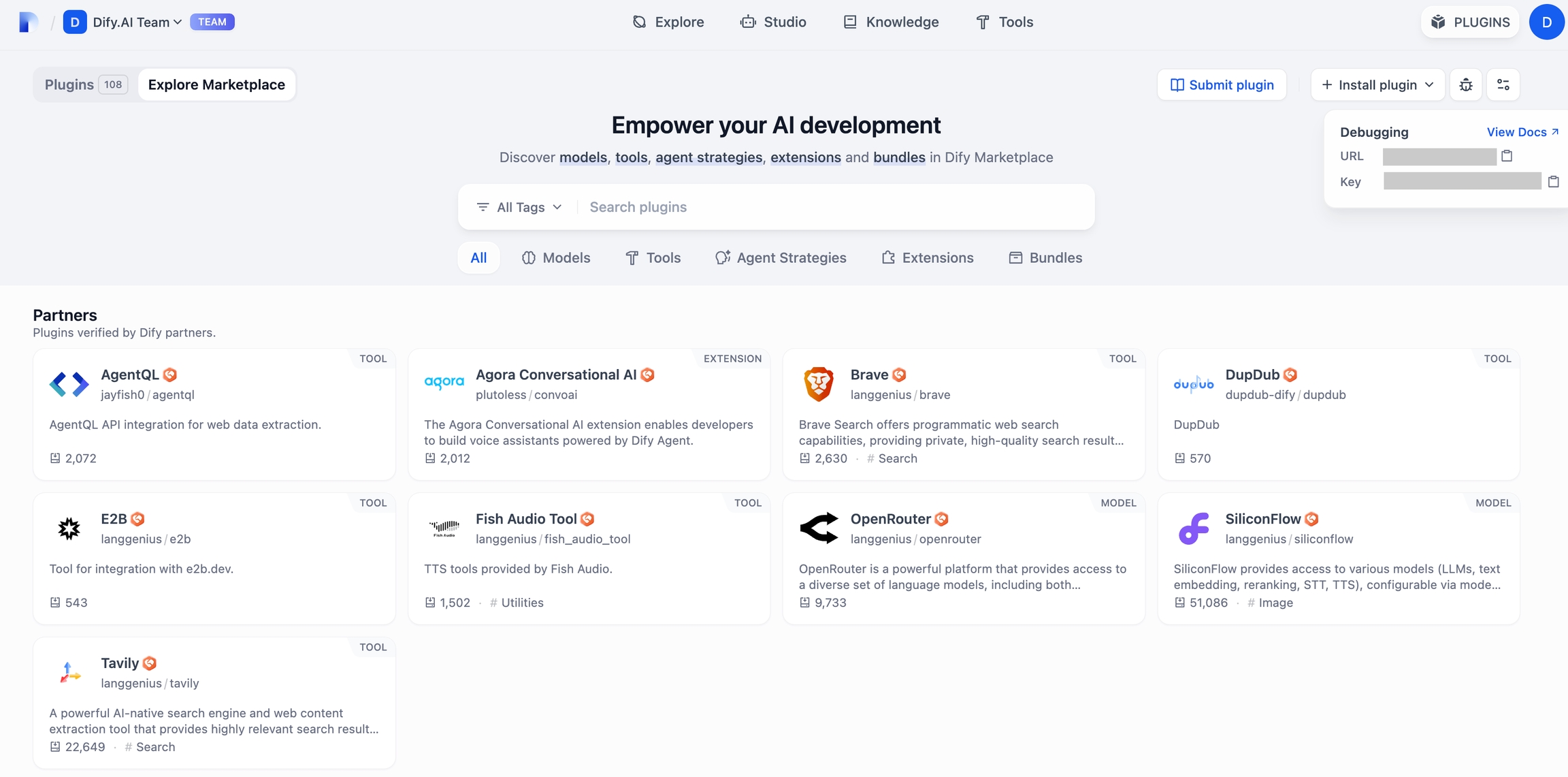
Go back to the plugin project, copy the .env.example file and rename it to .env. Fill it with the remote server address and debug key.
.env file
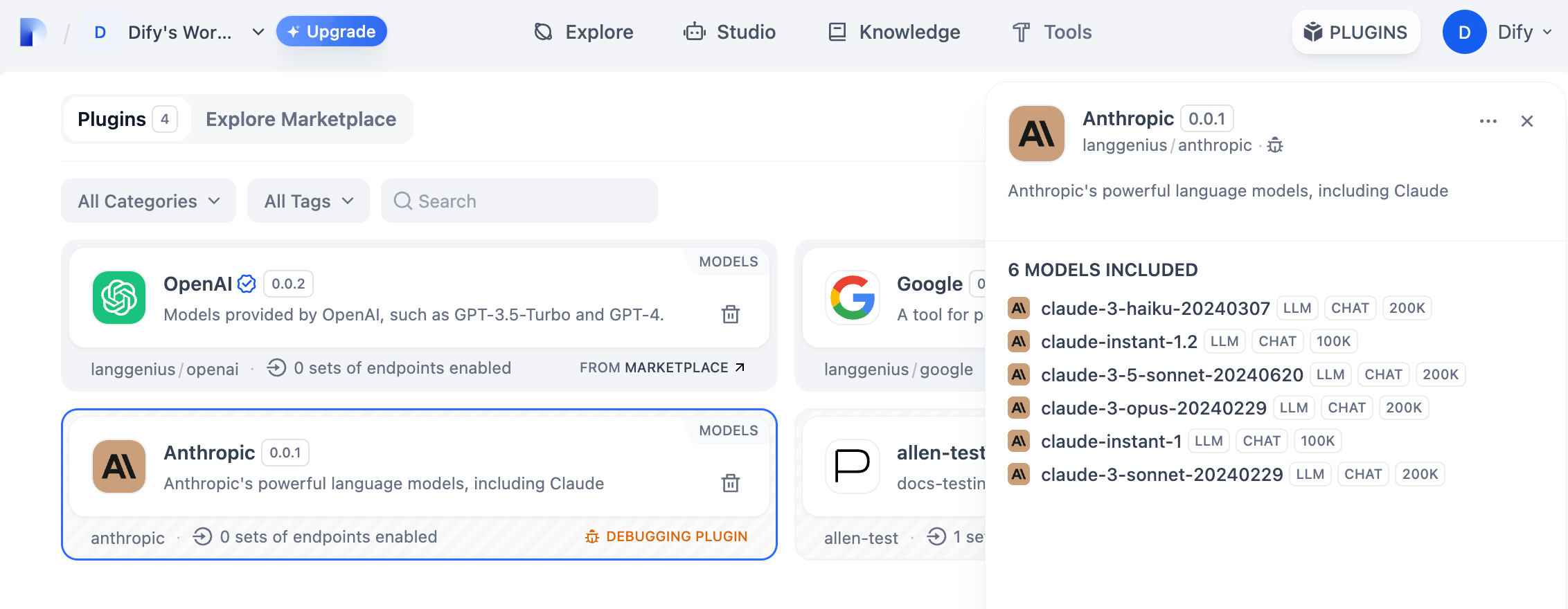
Run the python -m main command to start the plugin. You can see on the plugin page that the plugin has been installed into Workspace. Other team members can also access the plugin.
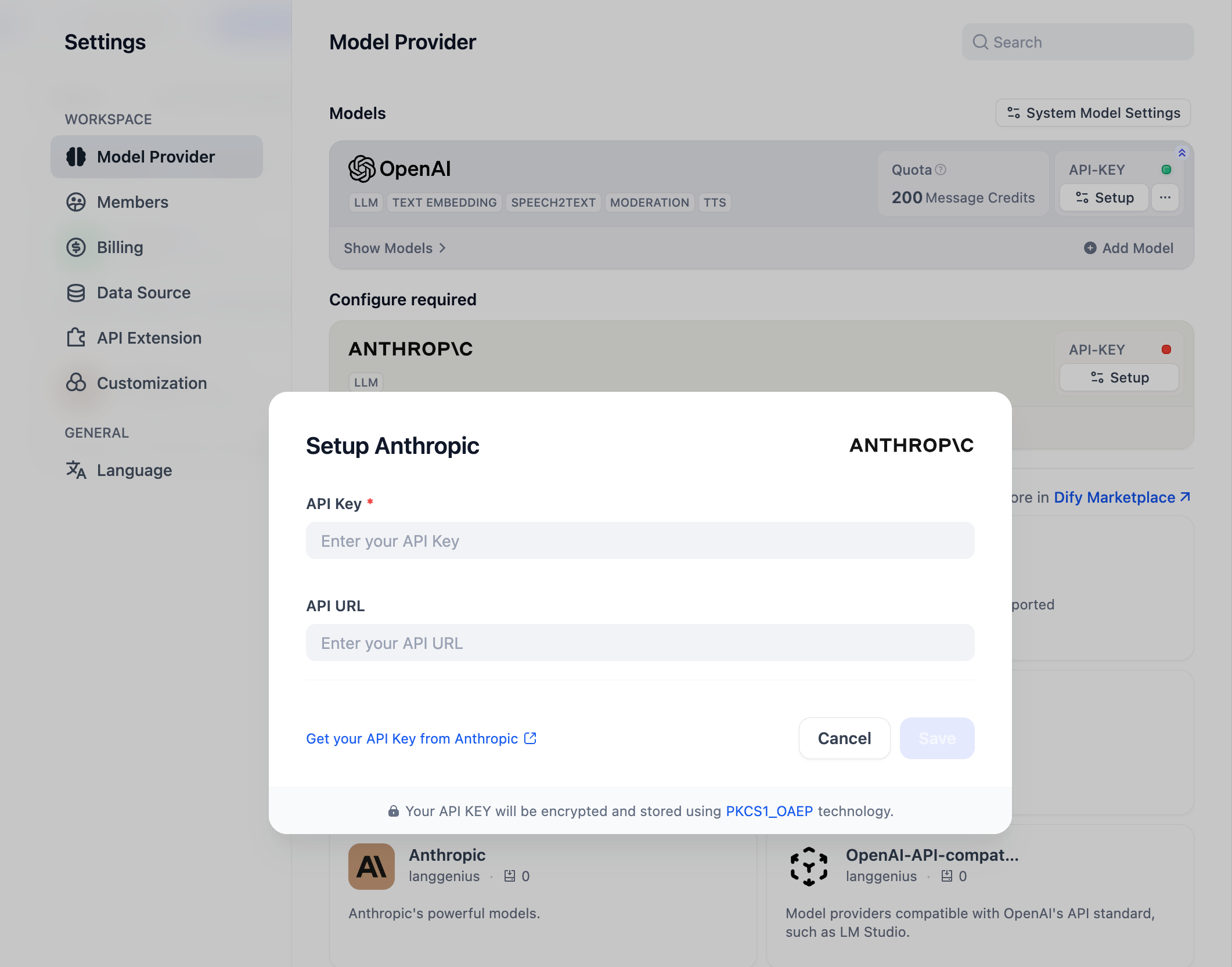
You can initialize this model provider by entering the API Key in Settings → Model Provider.
Last updated